post pro
relight, at full resolution, in layers.
a whole shoot at once.
drag in a folder, or send the selects straight from Capture One, Lightroom Classic or Photos. post pro works through the batch and puts each one back where it came from.
nothing scaled down. nothing lost.
every photograph comes back at the size it went in, pixel for pixel, in the original's own colour profile and with its capture date. take it as a 16-bit layered PSD, or flat as TIFF, PNG, JPEG or HEIC, each format into its own folder, with film grain if you want it. the frames on this page went in at up to 5331 × 7996 and came out the same.
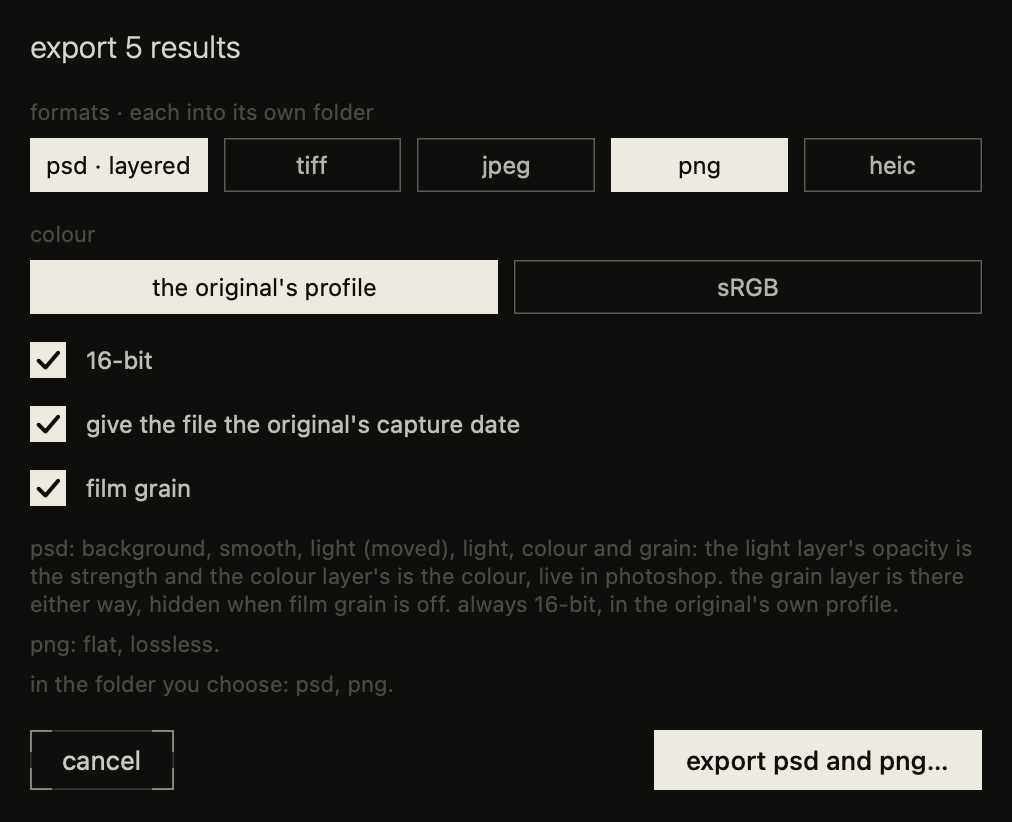
in layers.
a 16-bit PSD with your original untouched at the bottom, and the light and the colour on layers of their own, to dial back or paint out.
a note for the shoot. a note for the frame.
tell it once what the whole set is after, then add a word to any frame that wants something different.
the same post as your phone.
same light, same colour, and the shots you've bought on your phone work here too. colour only grades a frame without relighting it, on the Mac itself, in seconds, and doesn't cost you a shot.
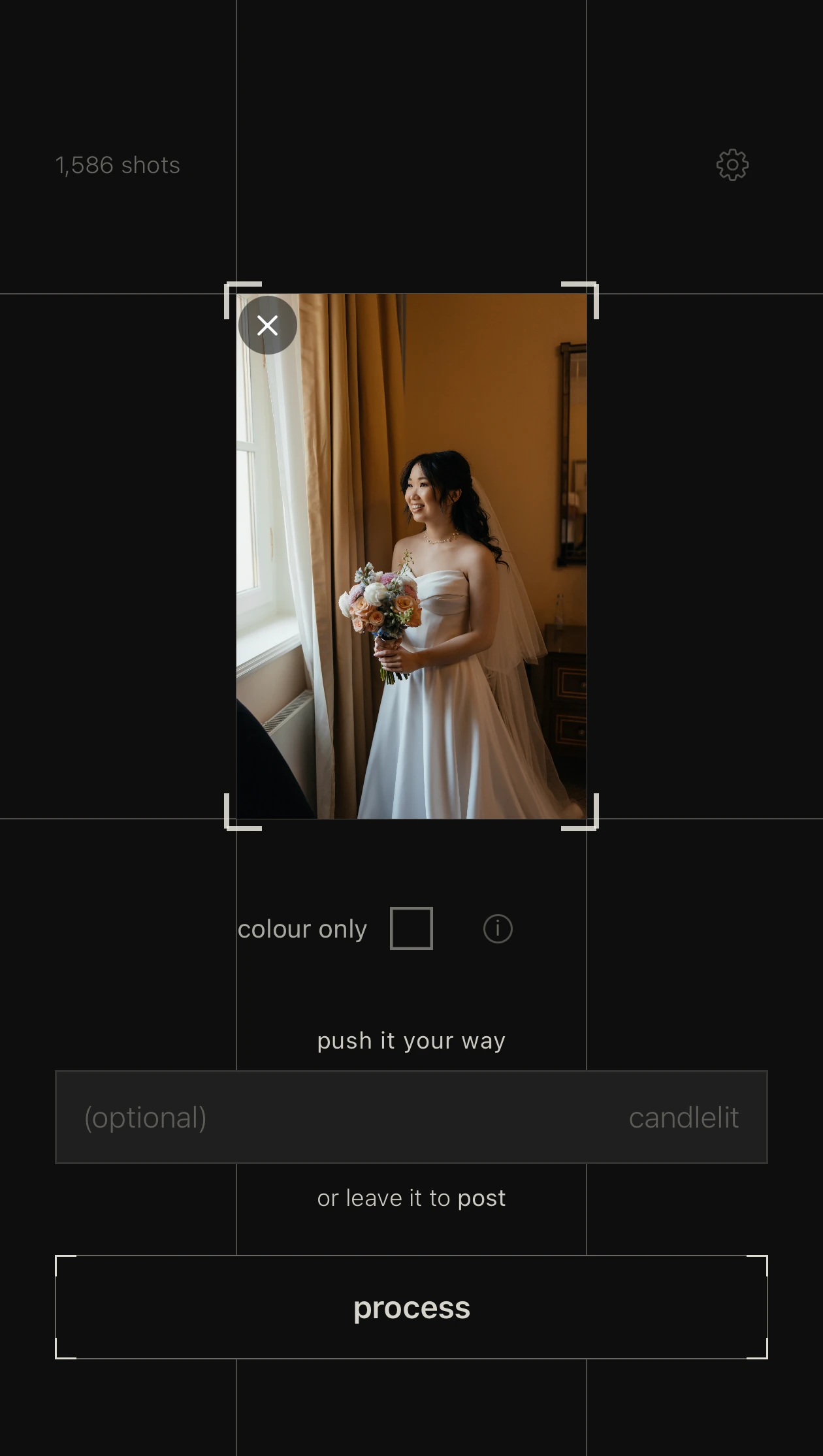
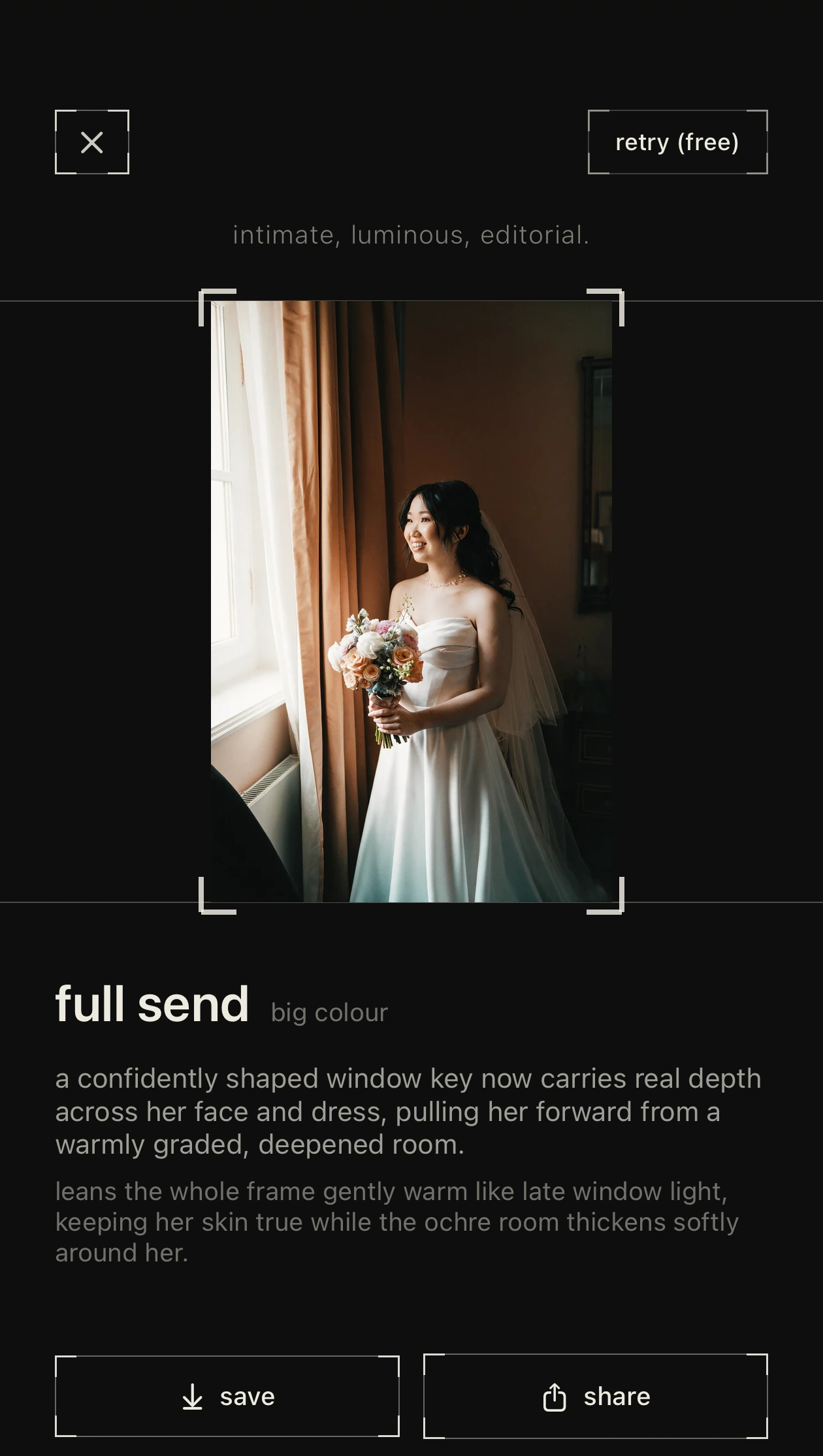
shot by you.
finished in post.
colour only runs on the Mac itself. it requires Apple silicon and macOS 27 with Apple Intelligence.